TV Size and Viewing Distance Calculator
Enter every measurement TV Size and Viewing Distance Calculator asks for, then press Calculate. The result stays blank while you are still typing.
Press Calculate after the entries are in.
What TV Size and Viewing Distance is for
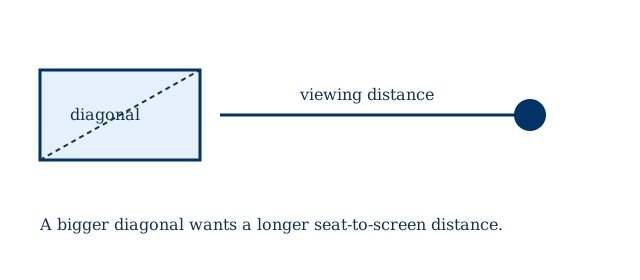
TV Size and Viewing Distance Calculator is the page to open when you need tv size and viewing distance from measurements you already have. It belongs with the other tv & video calculators because that is the work this arithmetic supports. The diagonal of that screen is the TV screen size. Type the entries first. The result stays hidden until you press Calculate, so a half-finished form never flashes a number you might mistake for the answer.
How to fill in this calculator
- Viewing Distance. Enter the value this part of the job needs. The unit list on this field includes in, ft, cm, m.
- Resolution. Enter the value this part of the job needs. The choices include 8K, 4K, 1080p, 720p, 480p.
The formula in plain language
A 16:9 screen's width is the diagonal times 16 divided by the square root of 337, and the height uses 9 instead of 16. Viewing distance for a modern television is often near 1.5 to 2.5 times the diagonal, closer for a sharper panel and farther for a 1080p set. Pixels per inch is the diagonal pixel count divided by the diagonal in inches.
A worked example
A 65 inch 16:9 television is about 56.7 inches wide and 31.9 inches tall. Sitting about 8 to 9 feet away matches a common 1.6-times-diagonal suggestion.
Diagonal, aspect ratio, and viewing distance describe one screen. This tv size and viewing distance result should match PPI and 16:9 aspect ratio.
Mistakes that move the answer
- The diagonal is the picture, not the outside of the frame.
- A 16:9 screen will not fill a 21:9 window without bars or cropping.
How to check the result
After Calculate shows the tv size and viewing distance result, redo the last operation with a pencil using the rounded figures on the screen. Matching that check means the inputs were read correctly. If you edit a label or a sentence in this HTML file, reload the page. The form and this article both live in the file, so the edit is what visitors will read.